Watching British TV outside the UK usually comes down to one problem: location checks. Services like BBC iPlayer, ITVX, and Channel 4 look at your IP address and decide whether you’re in the right country before they load live channels or on-demand content. If you already have a legitimate subscription or account and want to watch UK TV while you travel, the right VPN can restore access without turning setup into a chore.
- Our Picks for Watching UK TV Abroad
- Comparison of Top VPNs for UK TV
- How to Watch UK TV Abroad (Step-by-Step Guide)
- Why Use a VPN for UK TV Abroad
- Is It Legal to Watch UK TV Abroad with a VPN?
- Can I Use a Free VPN for UK TV?
- What UK TV Channels and Streaming Services Can I Watch Abroad?
- How We Test and Choose the Best VPNs for UK TV
- Troubleshooting Issues When Watching UK TV Abroad
- UK TV FAQ
This article compares the best VPNs for British TV based on what matters for actual streaming: reliable UK servers, stable speed, app quality, and how consistently each option handled major UK streaming services in real use. We focused on providers that are practical for phones, laptops, smart TVs, and streaming sticks, not just ones that look good on a spec sheet.
NordVPN delivered the most consistent access to BBC iPlayer and ITVX across repeated tests. ExpressVPN stood out for the fastest setup across device types. Surfshark is the most affordable option when multiple screens need simultaneous coverage. We’ll also show you how to watch UK TV step by step, what to do when a website detects your VPN, and why a free VPN is rarely worth the trouble for BBC iPlayer.
Our Picks for Watching UK TV Abroad

NordVPN
Why it made the list
- Most consistent access to BBC iPlayer and ITVX across tests.
- Large network with multiple servers in the UK for streaming rotation
- Worked with BBC iPlayer, ITVX, and Channel 4 across repeated tests without manual server switching

ExpressVPN
Why it made the list
- Clean app and quick setup on almost any device.
- Very polished app on desktop, mobile, and smart TV platforms
- Simple server selection with access to major UK services out of the box

Surfshark
Why it made the list
- Low-cost option for many devices at once.
- Lower-cost subscription than many top rivals
- Supports many devices at once for families and shared households
If your goal is to watch UK TV from outside the country, the field narrows quickly. Plenty of VPN services claim to work with streaming platforms, but British TV is a moving target. BBC iPlayer, ITVX, Channel 4, and other services regularly tighten location checks, so the best VPNs are usually the ones that keep refreshing UK servers and maintaining stable playback, not just the ones with long feature lists.
We tested these picks directly against major UK TV services across common devices and browsers over several weeks of regular review cycles. That means checking whether a server actually loads the website, whether live and on-demand streams start without region errors, and whether the connection holds up long enough to make the experience worth your money. For most users, the real question isn’t just “can it access British TV once?” It’s whether you can watch UK content with minimal fuss over time.



Comparison of Top VPNs for UK TV
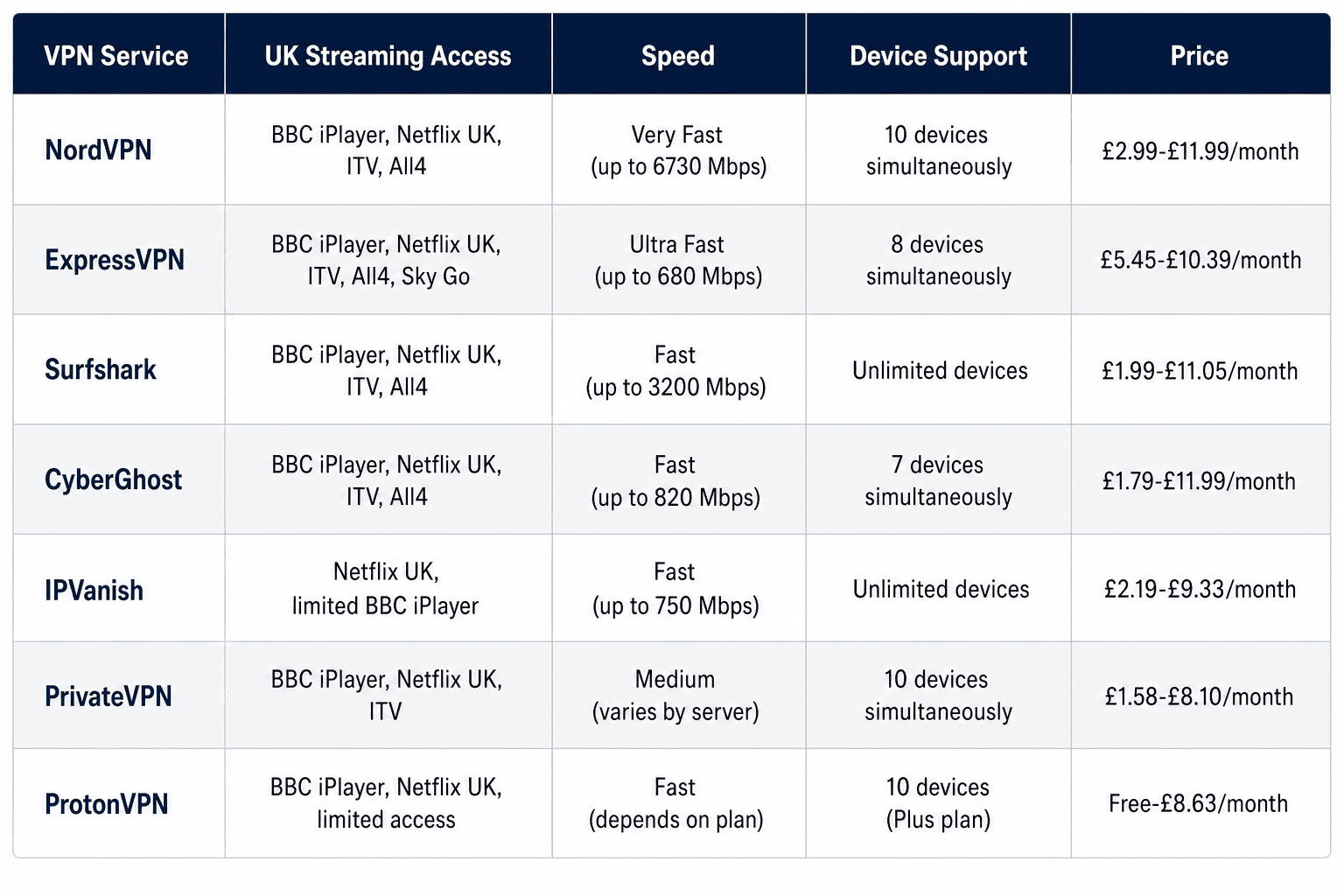
Choosing among the best VPNs for UK TV usually comes down to three things: whether they can still access the main streaming services, whether the connection is fast enough to avoid buffering, and whether the app fits your device setup. The results across those three areas differ noticeably between providers, which is where the real selection happens.
UK Streaming Access and Unblocking Results
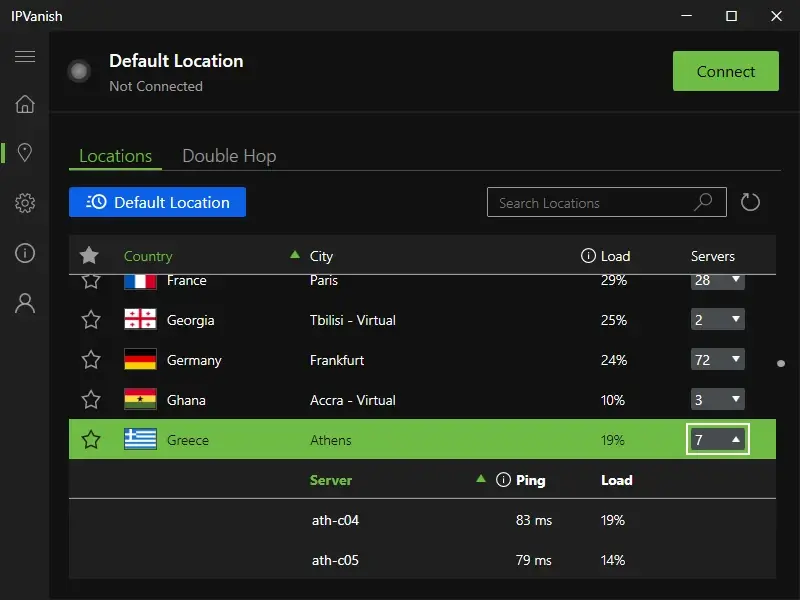
In testing, BBC iPlayer consistently proved to be the hardest platform to unblock — it updates its detection more frequently than ITVX or Channel 4, which tend to be somewhat easier. NordVPN and ExpressVPN were the most consistently successful across these platforms, with Surfshark close behind. CyberGhost did best when its streaming-oriented UK servers lined up with the target service, while PrivateVPN and IPVanish were more hit-and-miss depending on the device and server.
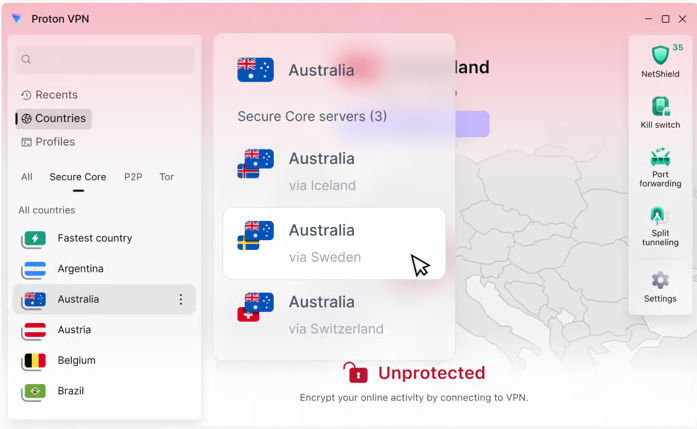
ProtonVPN could still access some UK TV content, but it didn’t feel as specialized for streaming services as the top-ranked options. Browser access and app access can differ too, which is why a provider that works on one website may still run into issues on a smart TV app.
Speed, Stability, and Buffering Experience
Raw speed matters, but stable playback matters more. A VPN with slightly lower top-end performance can still be better for UK TV if the connection holds steady during a live stream or a full episode on BBC iPlayer. NordVPN and ExpressVPN were the smoothest overall, especially during evening viewing windows when some servers tend to get crowded.
Surfshark remained a strong budget option, though a few UK servers showed more variation under load. CyberGhost and IPVanish were generally fine for HD streaming, but could require a server switch if buffering appeared. ProtonVPN was acceptable for regular viewing, just not the first pick if your priority is the most consistent UK streaming experience.
Apps, Devices, and Smart TV Support
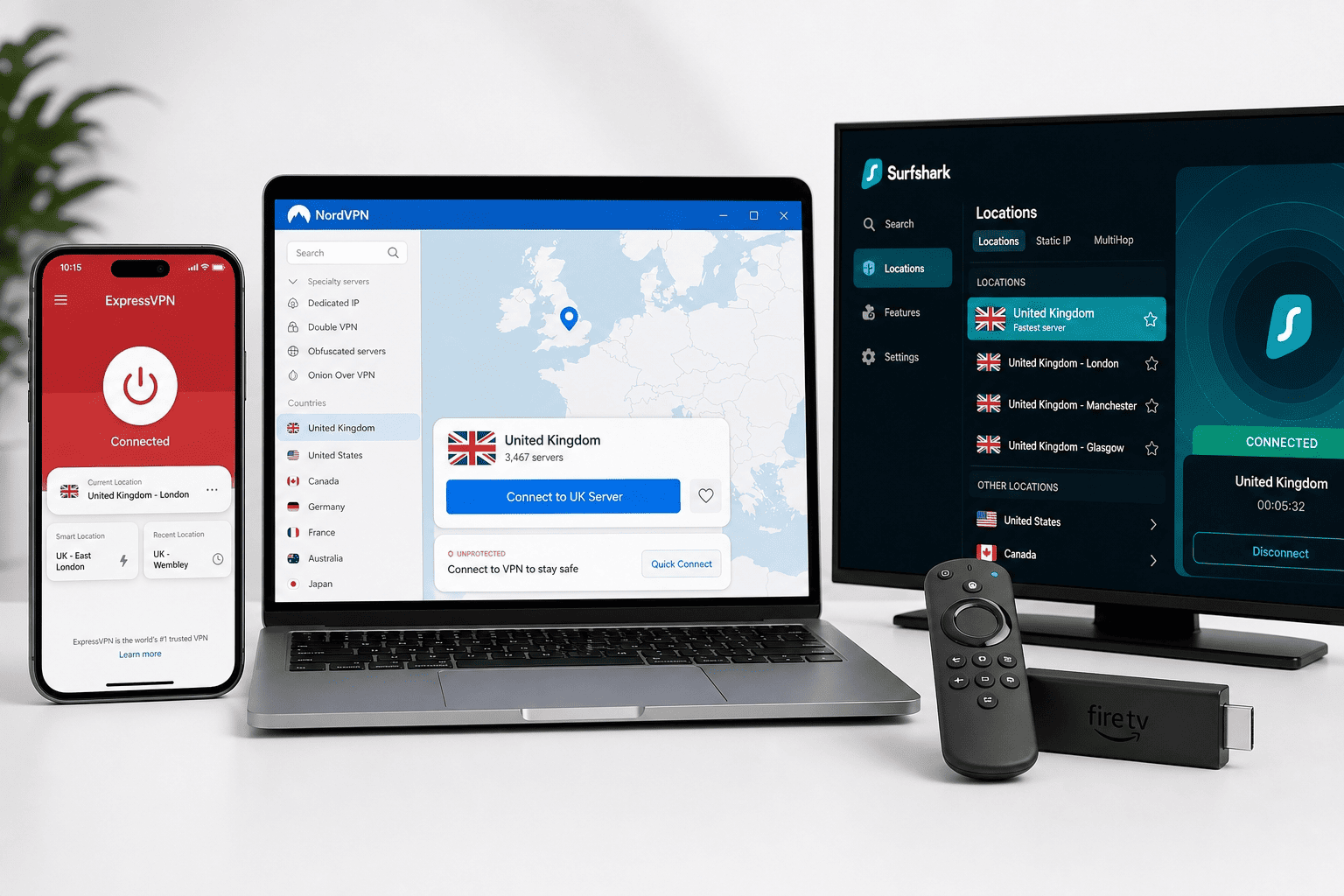
For phones and laptops, all of the providers here offer a usable app, but ExpressVPN has the easiest layout for new users. NordVPN gives you more control, while Surfshark balances features and simplicity well. On Fire TV, Android TV, and browser setups, the leaders all felt practical enough for daily use.
Smart TV support is where the gaps widen. Some services offer dedicated TV apps, while others rely more on router setup or Smart DNS, a feature that reroutes location data for streaming without full VPN encryption. ProtonVPN is better known for privacy than living-room convenience, while NordVPN and ExpressVPN are easier to match to a broader range of devices and UK servers.
How to Watch UK TV Abroad (Step-by-Step Guide)
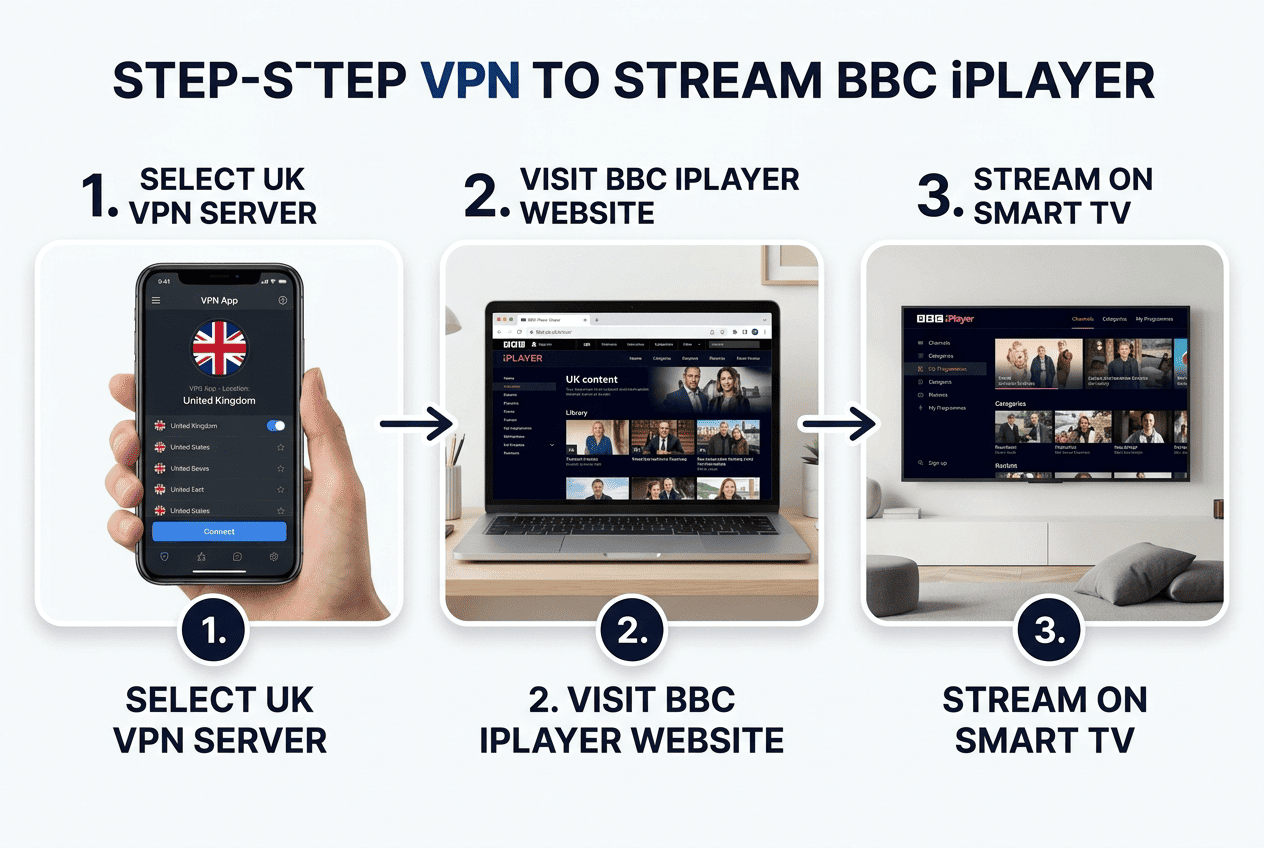
If you’re wondering how to watch British TV while outside the country, the process is usually simple once you have the right provider. You install a VPN app, connect to a UK location, and then open the streaming service you want to use. The catch is that not every VPN can access UK streaming platforms without interruption, and not every device behaves the same way.
The steps below focus on the practical setup most readers need: getting a UK IP address, loading BBC iPlayer or another website, and fixing the common issues that stop playback. If you want to watch UK TV on a phone, laptop, tablet, or TV device, this is the fastest path.
Step 1: Choose a VPN With UK Servers
Start with a provider that has active servers in the UK and a track record with streaming services. That sounds obvious, but plenty of VPNs have UK servers that are technically available yet don’t work well with BBC iPlayer, ITVX, or other major platforms. For this article, the best VPNs were the ones that could still access UK TV repeatedly without constant trial and error.
Look for a service that refreshes its streaming infrastructure often. That usually means more than one location and enough servers in the UK to rotate when one gets blocked. When your main goal is how to watch UK channels from abroad, don’t choose on price alone. A cheaper option that fails to load the website is no bargain.
Step 2: Install the App on Your Device
Next, download the correct app for your platform. Most major providers support Windows, macOS, iPhone, iPad, Android, and streaming devices such as Fire TV and Android TV. If you plan to watch UK TV on a smart television, check whether your VPN has a native TV app or whether you’ll need router setup instead.
After installation, sign in with your subscription details and finish the basic setup. If the VPN offers auto-connect, a kill switch—an emergency feature that cuts internet traffic if the VPN drops—or protocol selection, you can usually leave the defaults on to start. The point here is speed and simplicity. Get the app working first, then fine-tune only if issues appear.
Step 3: Connect to a UK Server
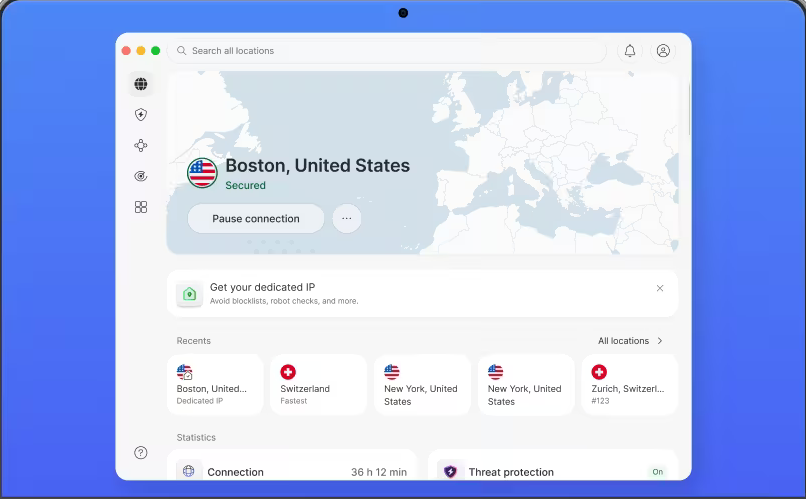
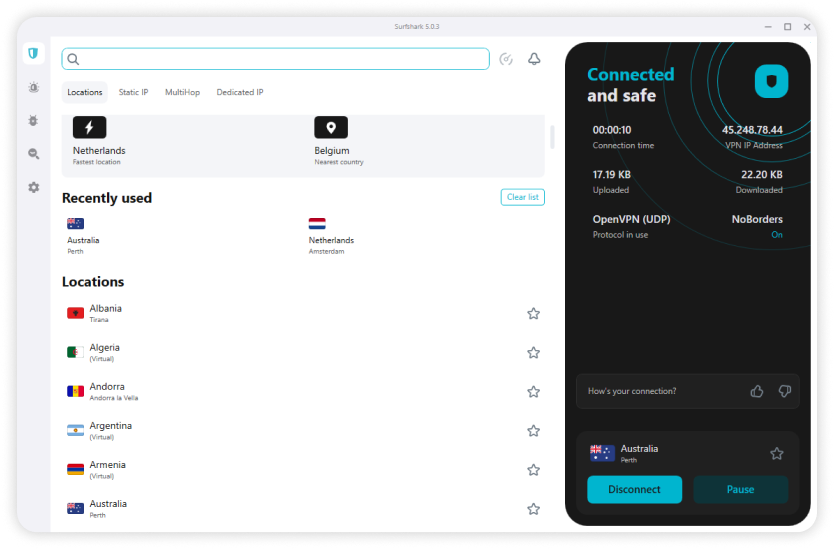
Open the VPN and choose a UK location. Some apps list a general UK option, while others show cities such as London or Manchester. Either can work. What matters is that the connection gives you a UK IP address before you try to access the streaming service.
Once connected, it’s smart to confirm the IP change by loading an IP-check website in your browser. If it still shows another country, disconnect and reconnect. If the first server doesn’t work with the service you want, try another one. This is normal. Even strong VPN services sometimes need a quick server switch because UK streaming platforms are always updating their detection systems.
Step 4: Open BBC iPlayer or Another UK Service
After the VPN is connected, launch BBC iPlayer, ITVX, Channel 4, Channel 5, or another UK streaming service through its app or website. If you already have an account, sign in as usual. Some services may ask for a UK postcode during registration, and requirements vary across platforms.
If the website still thinks you’re abroad, clear your browser cache and cookies, then reload the page. Streaming platforms often store location clues from earlier sessions, so even a working VPN can hit a wall if old data is still sitting in the browser. This is one of the most common reasons readers can’t watch UK TV even after connecting to a UK server.
Step 5: Fix Common Playback Problems
If the stream won’t load, don’t assume the VPN is finished. Start with the basics: switch to another UK location, close and reopen the app, and retry the service. A different browser can also help, especially when BBC iPlayer or ITVX has cached location data. Clearing cookies, cache, and saved site data is often enough to restore access.
If buffering shows up, try a less crowded server or disconnect other devices using the same network. On hotel or airport Wi-Fi during travel, connection quality can be the bottleneck rather than the VPN itself. You can also check DNS settings if the service keeps detecting the wrong region. For most users, though, the fix is simpler: new server, fresh browser session, and another attempt to watch UK content.
Why Use a VPN for UK TV Abroad
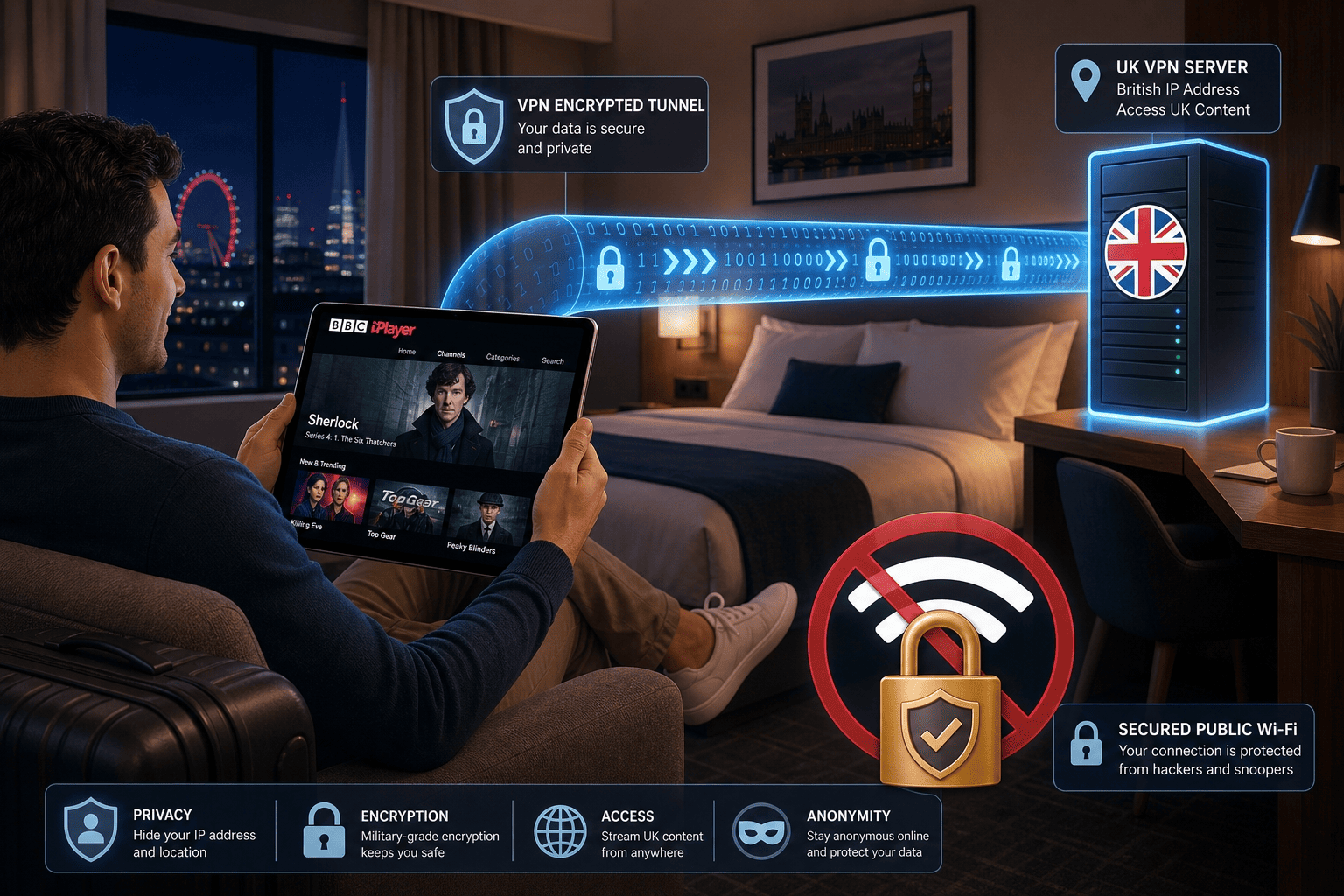
A VPN is useful for more than just bypassing a location check. If you travel often and want to watch British TV from outside the country, it helps restore access to familiar streaming platforms while also giving you a more private connection on the road. That combination is why it remains the standard tool for UK streaming abroad.
Access to Geo-Restricted UK Content
Most UK TV services are licensed by region, so they check your IP address before they decide what you can see. If you’re in another country, BBC iPlayer, ITVX, and similar platforms may block live channels or full episode libraries even if you normally use them at home.
A VPN routes your traffic through UK servers, which can make it appear that you’re accessing the service from the UK. For anyone who travels regularly and wants to watch British TV abroad, that’s the practical function a VPN fills.
Safer Public Wi-Fi Streaming
Hotel, airport, and café networks are convenient, but they’re not usually where I’d want to stream through an unprotected connection. A VPN encrypts your traffic, which means people on the same public network have a much harder time seeing what you’re doing or intercepting data while you use streaming platforms.
For travelers, that extra privacy is practical rather than abstract. You get a safer path to UK TV, and you reduce the chance that an open network exposes your activity. That matters whether you’re checking news clips or settling in for a full episode on a hotel connection.
Better Control Over Your Online Privacy
A VPN also hides your real IP address from the website or app you’re using and replaces it with the VPN server’s location. That doesn’t make you invisible, but it does add a layer of privacy that many users want beyond streaming alone.
This is especially relevant if you care about logs, tracking, or how much location data different services collect. For UK streaming, privacy may not be the first reason people subscribe, but it’s still a useful part of the package. ProtonVPN, for example, is a good reminder that some readers value privacy almost as much as access.
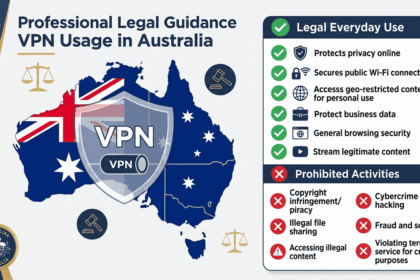
Is It Legal to Watch UK TV Abroad with a VPN?
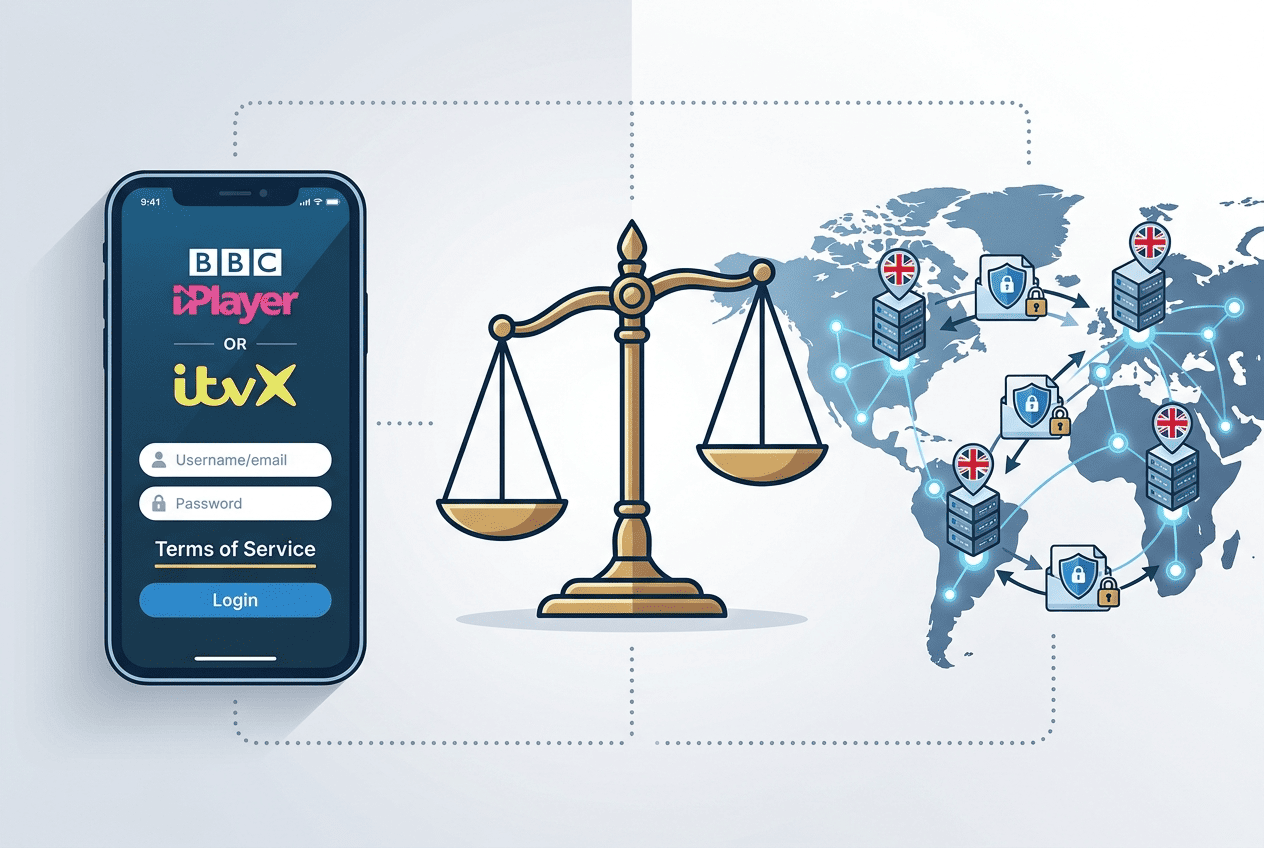
For most readers, using a VPN itself is legal. The more important distinction is between the legality of VPN use and the rules set by specific streaming services. If you watch content you’re entitled to access and use a VPN while abroad, you’re usually not stepping into criminal territory just because the tool changes your apparent location.
VPN Use Versus Streaming Terms of Service
In many countries, including the UK, the US, Canada, and much of Europe, people can legally use a VPN for privacy, travel, and general internet security. That covers normal browsing, safer public Wi-Fi use, and streaming in many everyday scenarios.
Streaming services are a separate matter. A platform may say in its terms that it restricts access by region or discourages attempts to bypass those controls. That is different from criminal law. In practice, the question is often about service rules rather than whether you may use a VPN at all.
What Happens If a Service Detects a VPN
If a streaming website or app detects a VPN, the usual result is an error message, a blocked video, or a prompt that the content is unavailable in your region. That can be annoying, but it is generally an access problem, not a prosecution problem.
The standard fix is to switch servers, clear cookies, or try another browser or device. That’s why the best VPNs for UK TV matter so much: they reduce these interruptions and maintain access more consistently across services like BBC iPlayer and ITVX.
When to Review Local Laws
The main legal caveat is your location. Some countries place tighter limits on VPN use or regulate which services are permitted. If you’re abroad in places with stricter rules, review local law before you connect.
That applies especially in countries known for tighter controls on VPN activity, such as China, Russia, the UAE, Iran, and Belarus. Use the tool responsibly, stick to legitimate streaming subscriptions, and check the rules that apply where you are.
Can I Use a Free VPN for UK TV?
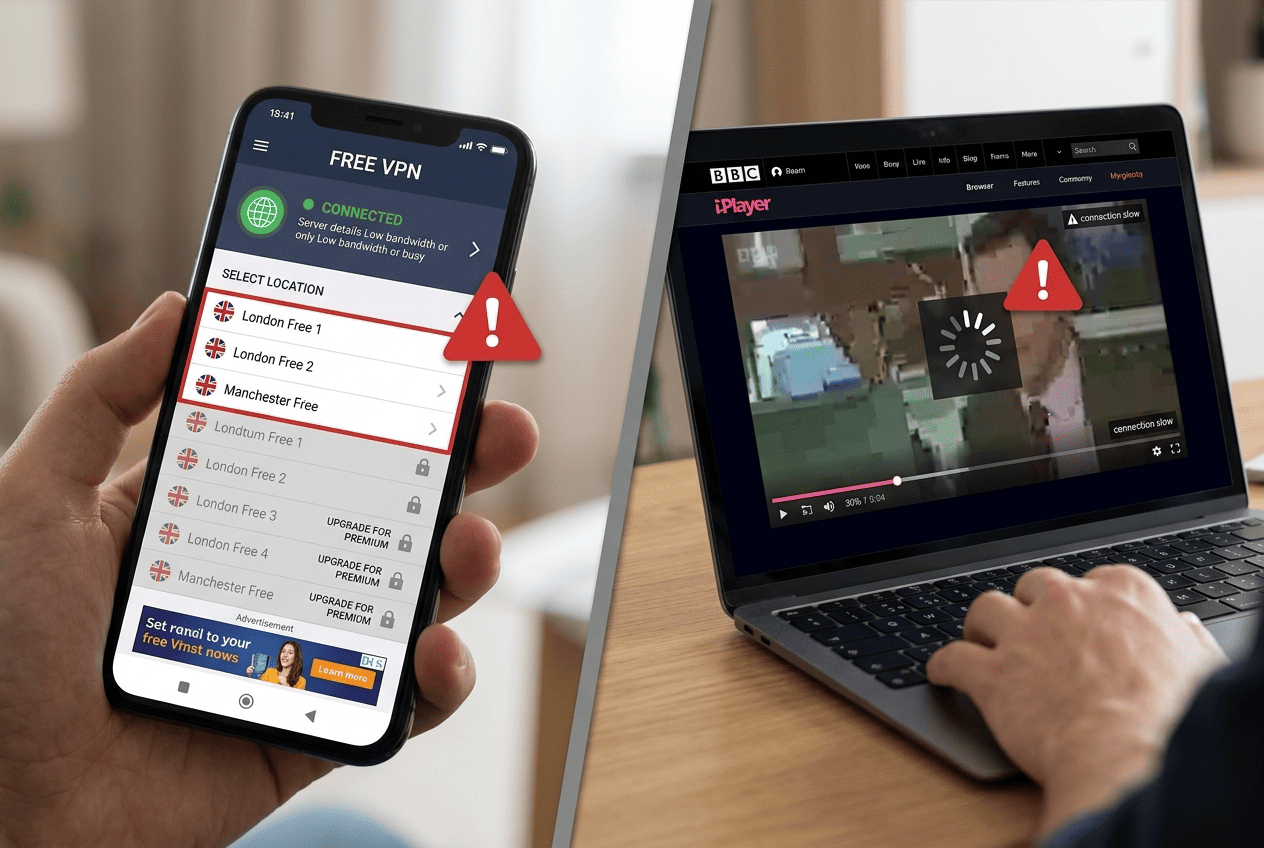
A free VPN sounds appealing for short trips, but it’s rarely a good match for UK TV. The core problem is reliability. British streaming services block weak VPN networks quickly, and free providers usually don’t have the server rotation, bandwidth, or app quality to keep up.
Why Free VPNs Often Fail at Streaming
Most free VPN services have crowded servers, slower speed, and a smaller pool of UK locations. That combination is rough for BBC iPlayer and other streaming services, especially at busy times. Even if the website loads once, the stream may buffer, stall, or stop entirely.
That’s why free options tend to disappoint for UK TV. The access problem isn’t theoretical. It shows up fast when you try to watch a live channel or start a full program abroad.
Privacy and Data Limits to Expect
Free apps often come with caps on data, limited device support, or vague policies around logs and usage tracking. For readers who care about privacy, that tradeoff can be hard to justify. If the service limits your monthly bandwidth, one or two streaming sessions may wipe it out.
There’s also the broader issue of trust. A free VPN still has to fund its infrastructure somehow, and users should be cautious about what they’re giving up in exchange for saving money.
When a Free Trial or Refund Makes More Sense
A better option is to use a paid provider with a trial period or money back guarantee. That lets you test UK servers, BBC iPlayer access, and app performance on your own device without committing long term.
For travel, this approach usually makes more sense than relying on shaky free tools. You get better streaming performance, stronger privacy protections, and a more realistic way to watch UK TV when it actually matters.
What UK TV Channels and Streaming Services Can I Watch Abroad?
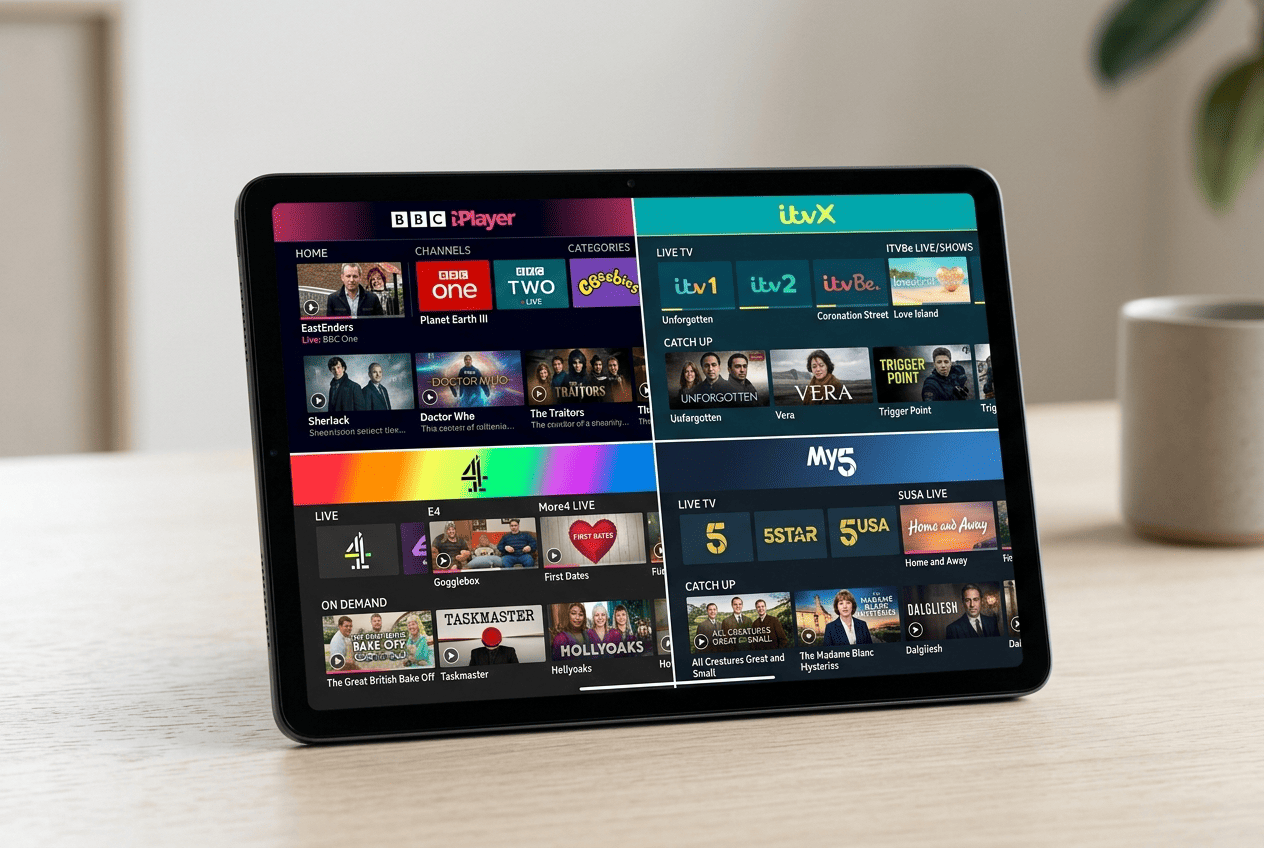
The short answer is: quite a lot, if your VPN still works with the right platforms. Most readers start with BBC iPlayer, but the broader UK ecosystem includes commercial catch-up apps, live news feeds, entertainment libraries, and sports coverage. Access can vary by provider, which is why not all services like these behave the same way abroad.
BBC iPlayer and BBC Live Channels
BBC iPlayer is the main target for many people trying to watch British TV overseas. It combines on-demand programs with live BBC channels, which makes it useful for both catch-up viewing and scheduled broadcasts. If you want news, dramas, documentaries, or live events, this is usually the first UK streaming service readers ask about.
You’ll still need an account, and the platform may check region signals beyond the obvious IP layer. That’s why a provider with consistent UK servers matters so much for BBC iPlayer.
ITVX, Channel 4, and Channel 5
ITVX is another major destination, especially for commercial TV, reality shows, dramas, and live channel access. Channel 4 and Channel 5 add more depth to the mix, though support can vary more noticeably across VPN services.
In practice, some providers that work well for BBC iPlayer may struggle more with ITVX, or vice versa. That’s normal in UK streaming. Different services like these use different detection methods, and one provider may have the edge on a given platform at any moment.
UK News, Sports, and Catch-Up Services
Beyond the main entertainment apps, readers may also want UK news streams, sports coverage, and network-specific catch-up services. Availability depends on the app, your subscription, and the country you’re in, but these categories matter because they broaden what it means to watch British TV abroad.
Some platforms focus on live channel access, while others are better for on-demand content. Coverage can differ widely across devices and countries.
Devices That Work Best for UK Streaming
Phones and laptops are often the easiest place to start because the app setup is simple and browser troubleshooting is straightforward. Smart TVs and streaming sticks can work very well too, but they sometimes need extra setup through a dedicated app or router configuration.
If you want the smoothest experience, match the VPN to your device before you subscribe. That small step avoids a lot of later issues with UK streaming services.
How We Test and Choose the Best VPNs for UK TV
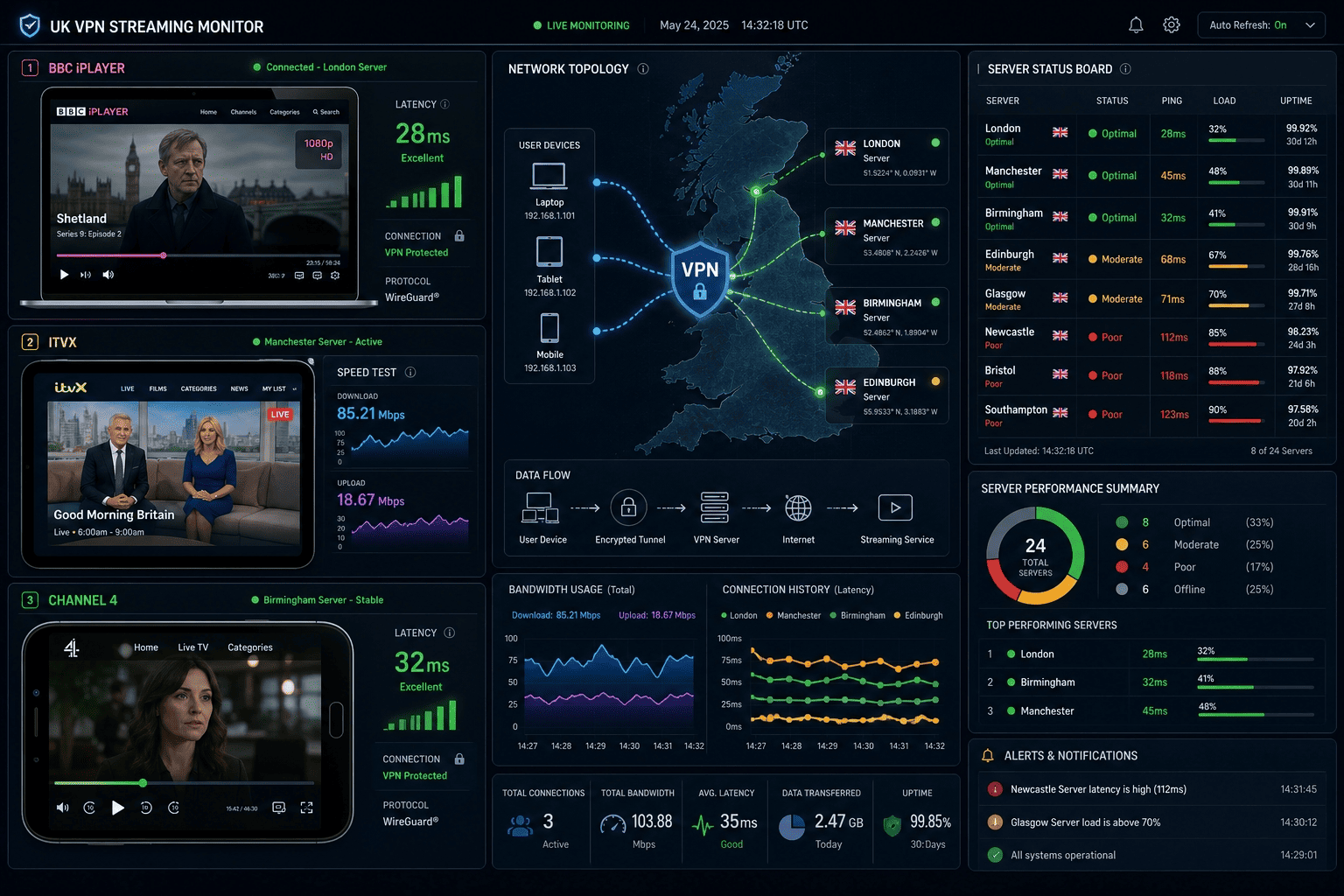
We don’t rank VPNs for UK TV by marketing claims or server lists alone. We test whether they can access the services readers actually want, whether the connection stays stable long enough to stream, and whether the apps are practical on real devices during normal use.
Streaming Unblocking Tests
We check major UK streaming targets including BBC iPlayer, ITVX, and other relevant services using multiple UK servers and repeated attempts. The question is simple: does the website or app load, and does video begin without a proxy or region block?
We also repeat tests across different devices because one platform can behave differently from another. A browser success on a laptop does not always translate to a TV app.
Speed and Stability Checks
Speed matters because streaming is unforgiving. We look for fast startup, smooth HD playback, and minimal buffering during longer sessions. Just as important, we watch for connection drops and inconsistent server behavior during busy viewing periods.
A VPN that starts fast but stumbles halfway through an episode is not much use. Stability is the part readers feel most.
Privacy, Logging, and Device Support
We also consider privacy, stated logs policies, and the quality of support across platforms. That includes whether the provider offers apps for the devices readers actually use, and whether the connection feels consistent beyond one narrow setup.
The testing window for this guide falls within our regular review cycle for secondary streaming comparisons. A strong pick for UK TV should combine access, speed, privacy, and usable apps—not just one of those in isolation.
Troubleshooting Issues When Watching UK TV Abroad
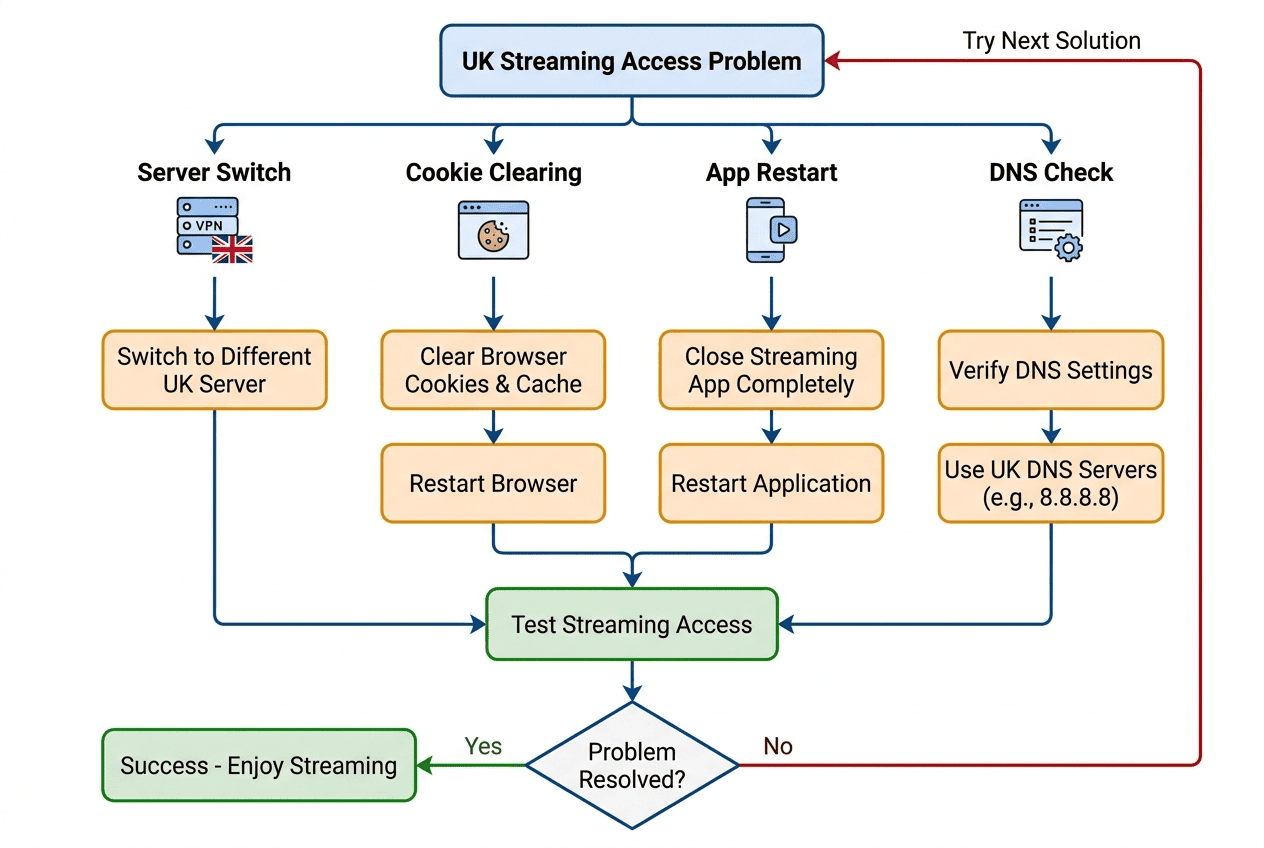
Even the best setup can run into issues. UK streaming platforms change detection rules often, browsers keep old location data, and a stable connection on one server can fail on another. The good news is that most fixes are simple.
When a UK Streaming Service Detects You
If a service blocks you, switch to another of the VPN’s UK servers first. Then clear cookies and cached site data before reopening the website or app. Detection often happens because the platform has already stored region clues from an earlier session, so a fresh connection plus clean browser data can restore access UK viewers expect.
If Video Buffers or Won’t Load
Buffering usually points to a speed or network problem rather than a total access failure. Try another UK location, close background apps, and pause other devices using bandwidth. If your connection is weak during travel, lowering stream quality for a moment can help the video start while you stabilize the link.
When the VPN App Itself Acts Up
If the app freezes, update it or reinstall it. Also check whether your firewall, local network settings, or another security tool is interfering with the connection. When problems continue, contact support. Good providers can usually suggest specific UK servers for current streaming issues.
UK TV FAQ
Which VPN works best for BBC iPlayer?
Will a VPN slow down UK streaming?
Can I watch UK TV on a smart TV?
Do I need a UK payment method for streaming apps?
Is a free VPN enough for travel use?
What should I do if access gets blocked?